Built in-house · Owned end to end · Updated August 2026

The Cube Group
Tech Stack

Every screen, every workflow, every AI agent in this stack was designed and built inside Cube Group — one brand system, one connected pipeline, from a candidate's first click to a leader's live field dashboard.

0Products in production
0Features shipped
0AI agents working daily
0% deployment owned

The ecosystem

Five products. One pipeline.

Nothing here is a silo. A person flows through the whole stack — attracted by the website, screened and booked by AI, trained and managed in CG1, deployed on mapped territory, and coached with live field data.

01

Cube Website

Recruit-first marketing site. Where candidates and clients first meet the brand.

cubemarketing.us
→ 02

CGRecruit

AI recruiting engine — screens every applicant by text or voice and books interviews on its own.

cgr.cubemarketing.us
→ 03

CG1

The flagship: training, team management, quality, planning and live field ops for every role.

The team's daily app
→ 04

CGTerritory

Territory intelligence — permits, every knocked door, sales and do-not-knock on one live map.

territory.cubemarketing.us
→ 05

CGPresentation

The presentation platform — recruitment deck and full product training, editable in the browser.

presentation.cubemarketing.us

Plus: a live two-way integration with our client's field platform (OwnerIQ) and white-label branch-office sites running on the same foundations.

03 · The flagship

CG1 — the whole office in one app

Training, team management, pay, quality, planning, recruiting and live field operations. CG1 is role-aware: the same app shows a trainee their journey, a leader their team, and an admin the whole office. Pick a role and take the tour.

9:41●●● ▲ ▮
Good morning, Jordan 👋
Start HereYour first weeks, mapped out →
Your journey · Field Day 3 of 8
Up next: Objection handling + 3 laps
Today
10:30 Cube-up · office
1:30 First knock · Sector 4
💰 Pay
📖 Manual
🧠 Exam
🏅 Badges
🏠📅💰📈👤
or tap any pulsing dot on the screen

🏠 Role-aware Home

What: a briefing screen that knows who you are — journey, schedule and next actions. Why: new reps used to land on raw scores with zero context; now day one starts with "here's exactly where you are."

🚀 Start Here onboarding hub

What: welcome word, first-weeks timeline, pay explainer, people-to-know with tap-to-call. Why: the first 48 hours decide retention — this replaces "ask around" with a guided path. Admin-editable per office.

📋 8-day training journey

What: structured orientation + field days, each graded daily by a leader against benchmarks. Why: consistent training quality across every leader and office — nobody falls through the cracks.

💰 Pay tab + calculator

What: exact payroll math (per-delivery fees, volume/$30+/Round bonuses, week-pays-when cadence) with live office rates. Why: reps who can forecast their cheque trust the program and push for quality sales.

📖 Manual, exams & TMM info

What: the full training manual in-app (admin-editable), product-knowledge exams, client facts. Why: one source of truth for what we say at the door.

🔔 Bells, badges & achievements

What: the day-sales ladder the floor already uses — sale, bell (3), gong (5), superstar (10) — as leaderboards and badges. Why: celebrates outcomes, not streaks; recognition matches the office vocabulary.

🤖 AI coaching assistant

What: an in-app coach for scripts, objections and product questions. Why: the answer at 7pm on a doorstep can't wait for tomorrow's cube-up.

🎙 CubeVoiceCoach

What: real doorstep conversations, recorded and AI-coached — searchable transcripts that jump to the exact second, tap-any-word playback, and daily summaries like "in 5 of 8 failed pitches you accepted the first no." Why: coaching built on what was actually said at the door, not on memory of it.

🌅 Morning briefing & pay pace

What: a 10:00 push with today's intro / pitch / sales targets, and a "This week" pay card with estimated earnings and an on-pace projection. Why: every rep starts the day knowing their number — and what hitting it pays.

🎨 Custom tabs, themes & inbox

What: personal bottom-bar layout, light/dark brand themes, push notifications, and an in-app inbox with per-type notification controls. Why: a tool people shape themselves is a tool they open every day.

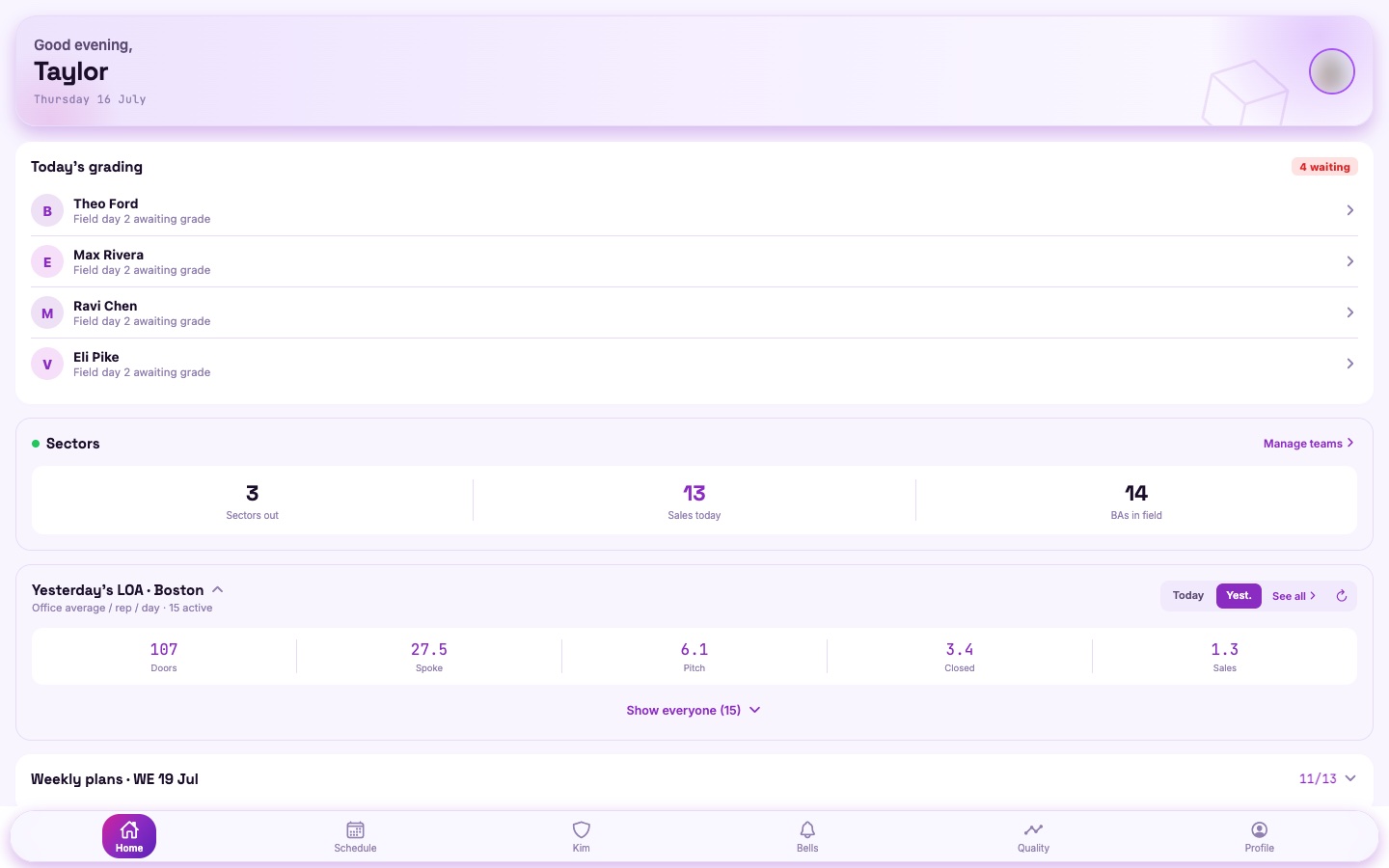
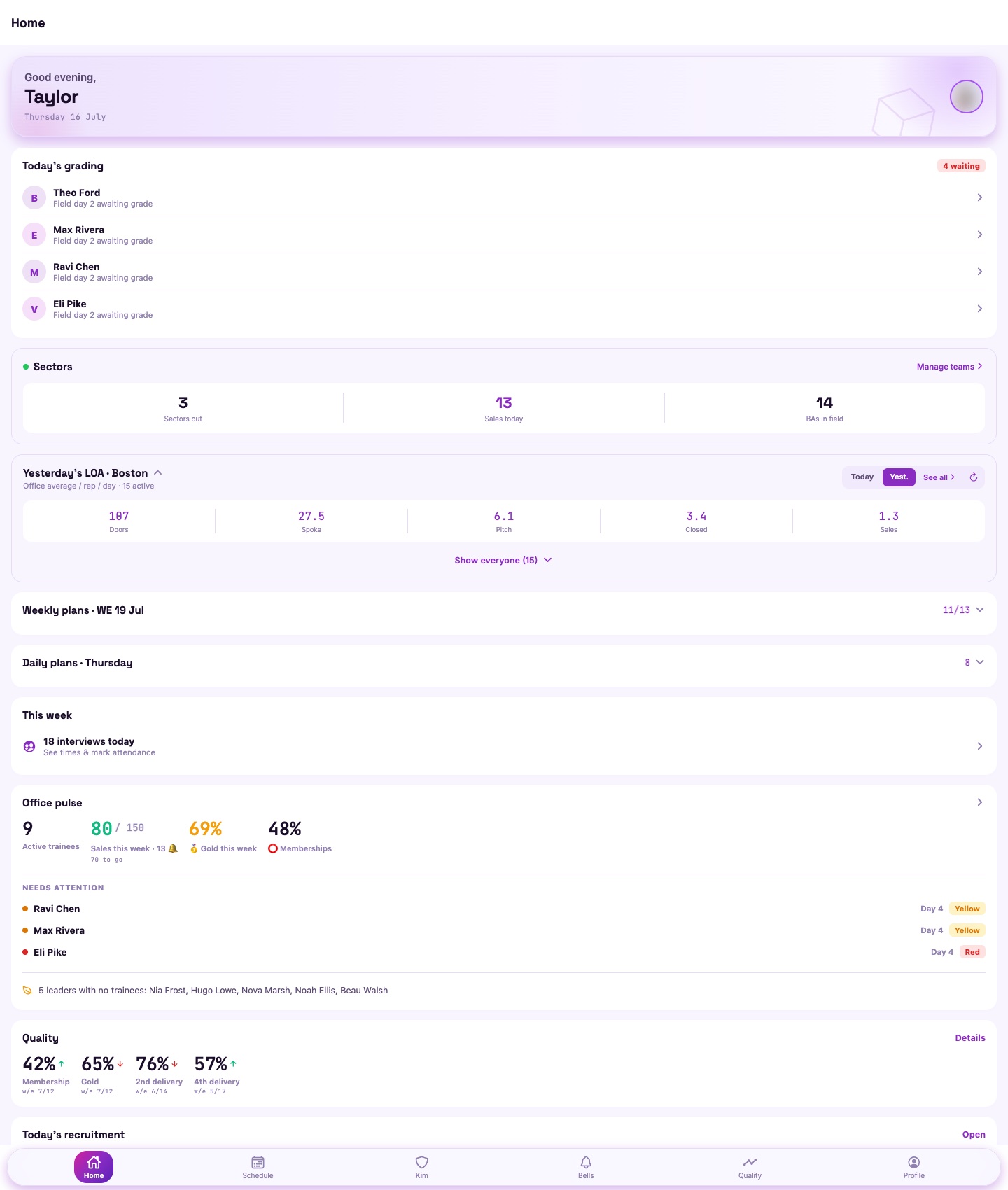
📸 Live screenshots · the real CG1 admin app (demo data)
⤢CG1 admin cockpit
Admin cockpit
⤢CG1 home
Home dashboard
React Native · ExpoFastAPIMongoDBClaude AIPush notificationsRole & office scoped security

02 · The recruiting engine

CGRecruit — AI that hires while you sleep

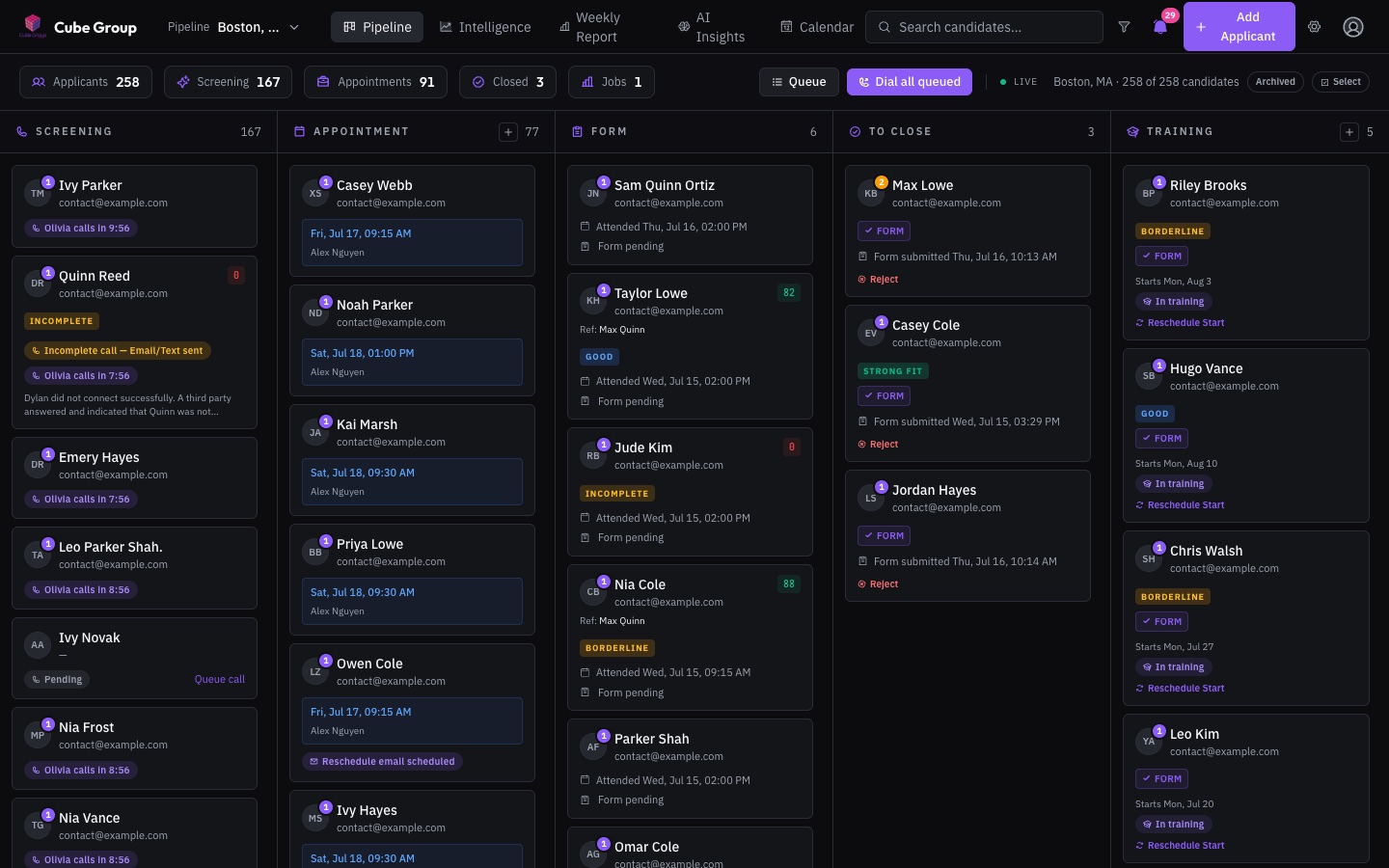
Every applicant hears from Olivia, our AI agent, within minutes — a screening text conversation or a real phone call, whichever the office runs. She screens, scores, books the interview, sends reminders, answers the office line, and even calls back the no-shows. Recruiters manage a pipeline, not a phone.

cgr.cubemarketing.us
Boston, MA ▾ ● Olivia on call · 2 live
Screening 8
Maya R.AI 87
Chris D.AI 64
Booked 5
Jordan P.Thu 2:00 PM
Dana W.Fri 11:00 AM
Interview 3
Riley T.▶ 4:32 call · summary
In training 2
Sam K.→ CG1 Day 3
☎ Revival: 3 no-shows rebooked this week
or tap any pulsing dot

☎️ AI voice screening (Olivia)

What: an ElevenLabs-powered agent calls every applicant, runs a real screening conversation, and books interviews into live availability mid-call. Why: speed-to-contact decides recruiting — Olivia calls in minutes, 7 days a week, and never has a backlog.

🔁 Set-based retry engine

What: voicemail triggers an instant DND-bypass redial; unreached candidates re-enter on a tuned cadence (1h → 2h → 6h) with per-pipeline and global concurrency caps. Why: persistence without spam — tuned to how people actually answer phones.

💬 Text & web-chat screening

What: screening runs as a conversation wherever the candidate is — SMS or web chat with tap-to-answer chips — merged with any call into one thread, producing the same score and verdict as a phone screen. An office flips between chat-first and voice-first with one switch. Why: a generation that won't answer unknown numbers still gets screened in minutes.

📞 Inbound AI front desk

What: a per-office agent that answers the office line — recognizes the caller, answers business questions, resumes an unfinished screening, reschedules interviews or training dates by voice, and registers brand-new callers mid-call. Why: the phone gets answered on the first ring, every time, even mid-rush.

🧲 Indeed on autopilot

What: Indeed applications flow in unattended (resume included), a one-click daily run sends ranked sourcing invites, and outreach replies are triaged automatically. Why: the biggest job board works for us around the clock without a recruiter logged in.

🧮 Smart scoring & AI insights

What: transcripts scored against plain-English criteria, plus an Intelligence view and funnel reports across the whole pipeline. Why: recruiter time goes to the best candidates, and the funnel tells you where you're leaking.

📅 Booking that runs itself

What: availability manager, slot-picker & reschedule links by SMS, per-slot interviewer names resolved live from the calendar, attendance tracking, automated reminders — and an empty-room alarm when a session has bookings but zero confirmations. Why: every manual scheduling touch removed is an interview that actually happens.

🎫 Candidate prep portal

What: every booking confirmation links a personal portal — live countdown, add-to-calendar, what-to-expect guidance, and the recruitment deck to reread. Why: candidates who arrive prepared show up more and convert better.

🪃 No-show revival agent

What: a second AI agent that calls archived no-shows for weeks after (3 attempts, daily caps) and rebooks them. Why: no-shows were the biggest leak in the funnel — now they get a second chance automatically.

🔗 Intake from everywhere

What: referral links per city (used by the website), an embeddable apply widget, custom application forms, email intake, and manual add. Why: wherever a candidate comes from, they land in the same pipeline within seconds.

⚙️ Deep configurability

What: per-pipeline AI prompts, stage prompts, comms templates, starter emails, team & analyst access, region/language settings. Why: new office, new market, new script — configured in Settings, not re-coded.

📸 Live screenshots · the real CGRecruit pipeline (demo data)
⤢CGRecruit pipeline board
Pipeline board
⤢CGRecruit login
Sign in
FastAPI · ReactElevenLabs voice AITwilio SMSMongoDB AtlasRailway auto-deploy

04 · Territory intelligence

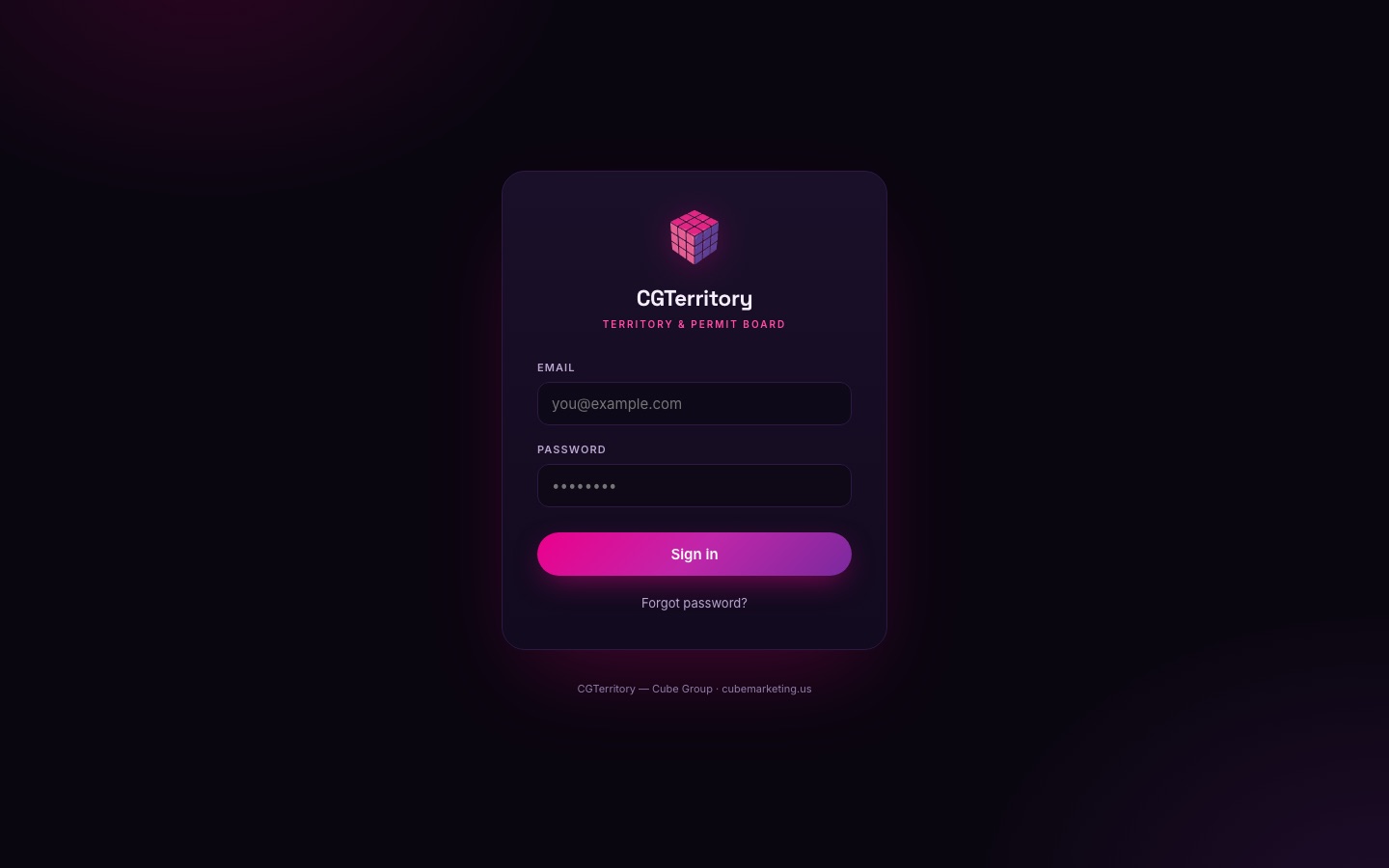
CGTerritory — know every ZIP before you knock

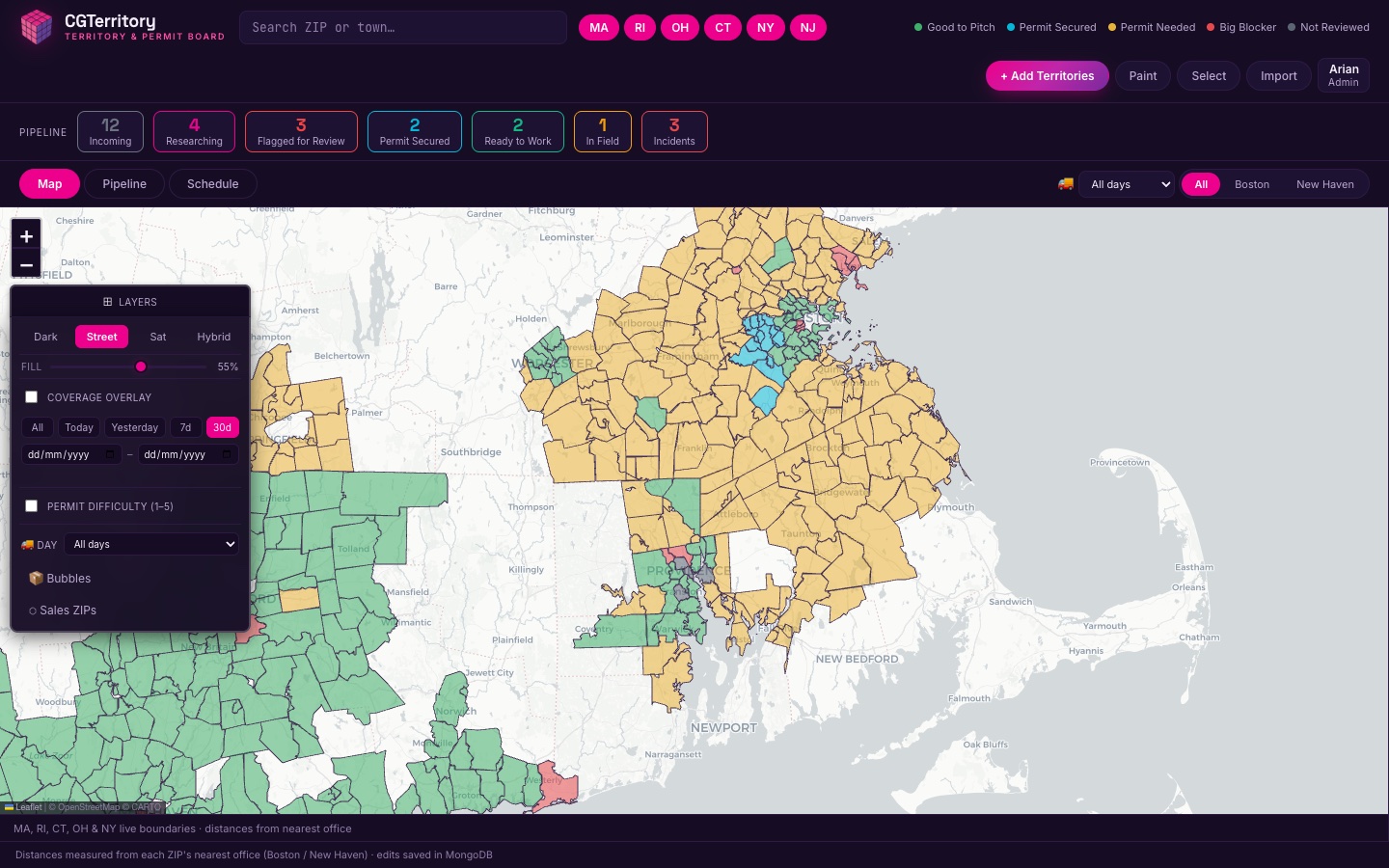
A live territory & permit board for door-to-door operations: which ZIPs we can work, what each town's permit status is, every door we've knocked, every sale we've signed, and where we must never knock — all on one shared map.

territory.cubemarketing.us
🔎 Search ZIP or town… Paint Import + Add
⛔ Coverage: last 30 days ▾
MapSchedulePipeline
or tap any pulsing dot

🗺 Live shared permit map

What: every ZIP as a colored polygon — cleared, pending, restricted, no-go — shared live across the whole team. Why: canvassing without a permit costs fines and reputation; now the answer is one glance, same for everyone.

📍 Every knocked door, on the map

What: every door logged in the client's field app appears as an outcome-colored pin — synced hourly, geocoded to the house, filterable from today back six months, with a topbar "Sync doors" for right now. Why: end-of-day marker-pen coverage became live ground truth — 180,000+ real doors, served instantly.

⚖️ Balance & hub cycles

What: every ZIP carries its distribution hub, and a Balance view tracks sales against each hub's per-delivery-day cap, with a "Workable" mode that orders days stalest-first. Why: the client's delivery capacity is the real constraint — now we plan inside it instead of discovering it.

🧠 A pipeline that thinks

What: a ZIP with a strong sales week auto-moves to In Field, re-adding a recently-strong ZIP raises a "Resting" warning, and constraint chips roll up into a client-facing Zipcode Feedback view. Why: the board maintains itself — and the client sees exactly why each ZIP waits.

🖌 Paint, select & color editor

What: paint statuses directly onto the map, box-select regions, customize the color scheme. Why: managing hundreds of ZIPs has to feel like a map tool, not data entry.

🤖 AI permit research

What: built-in researcher that searches town ordinances for solicitation rules and files findings per ZIP. Why: hours of clerk-website reading collapsed into a button.

📥 AI-powered import

What: CSV/Excel upload, a template, and “Extract with AI” for messy client lists pasted straight in. Why: client territory lists arrive in every format imaginable — all of them work.

⛔ Do-not-knock & incident pins

What: DNK addresses and field incidents geocoded to house-level ✕ pins, typed and filterable map-wide, with bulk import. Why: compliance is enforced where the work happens.

📈 Coverage, sales & door overlays

What: knock coverage with date-range filters, per-sale pins from the client's invoicing sheet with delivery-status chips, and sales-by-ZIP from CG1. Why: shows where to re-knock, where converts best, and where's saturated.

🔐 Team accounts, PWA & export

What: role-based users with branded email invites, an installable home-screen app that opens offline in the field, per-user saved map preferences, and a shareable map export view. Why: the ops team, leaders and the client can each see exactly what they should — on any device.

📸 Live screenshots · the real CGTerritory board
⤢CGTerritory permit map
Permit map
⤢CGTerritory login
Sign in
Vanilla JS + SVG mapExpress · NodeMongoDBClaude AI researchRailway

01 · The front door

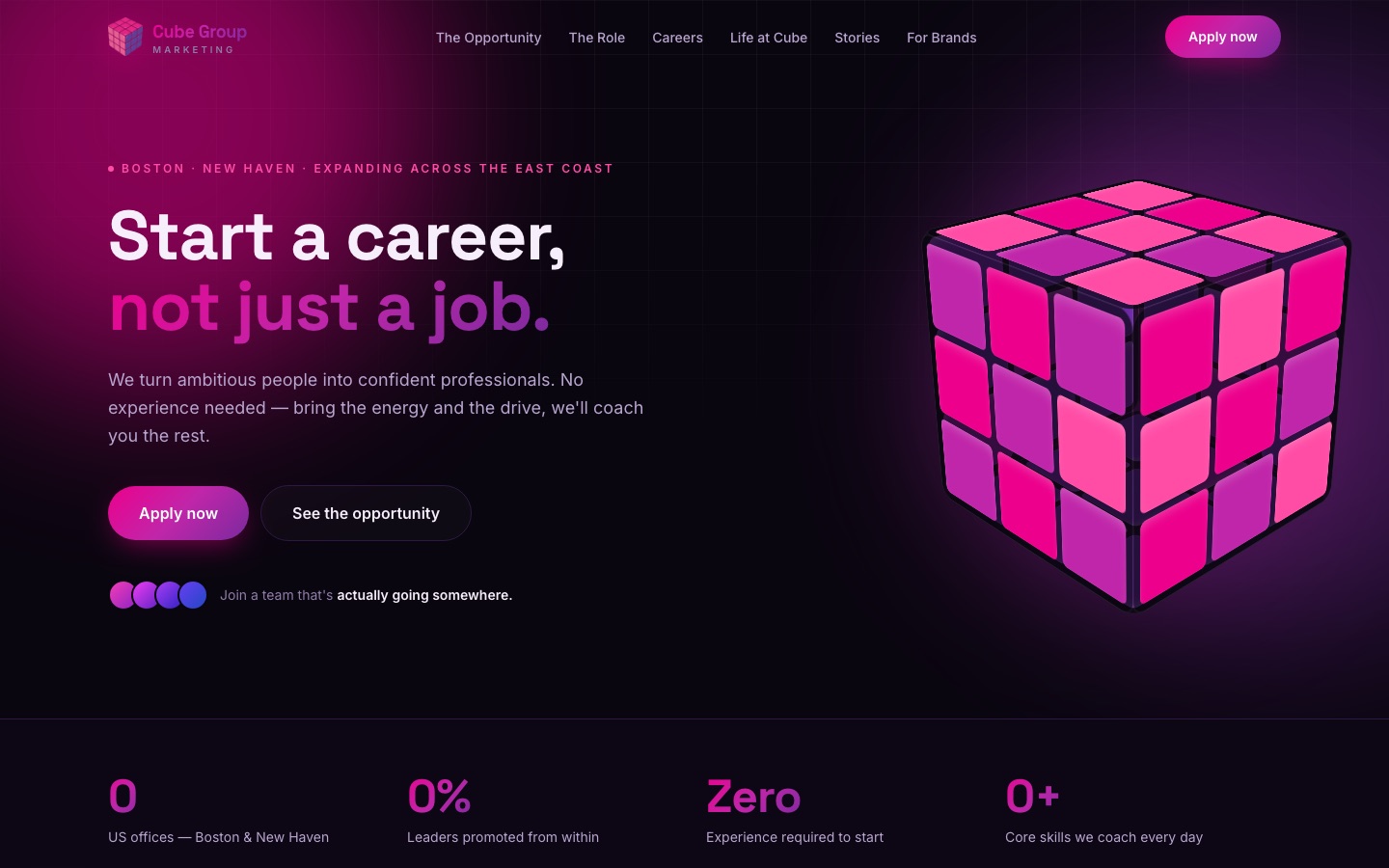
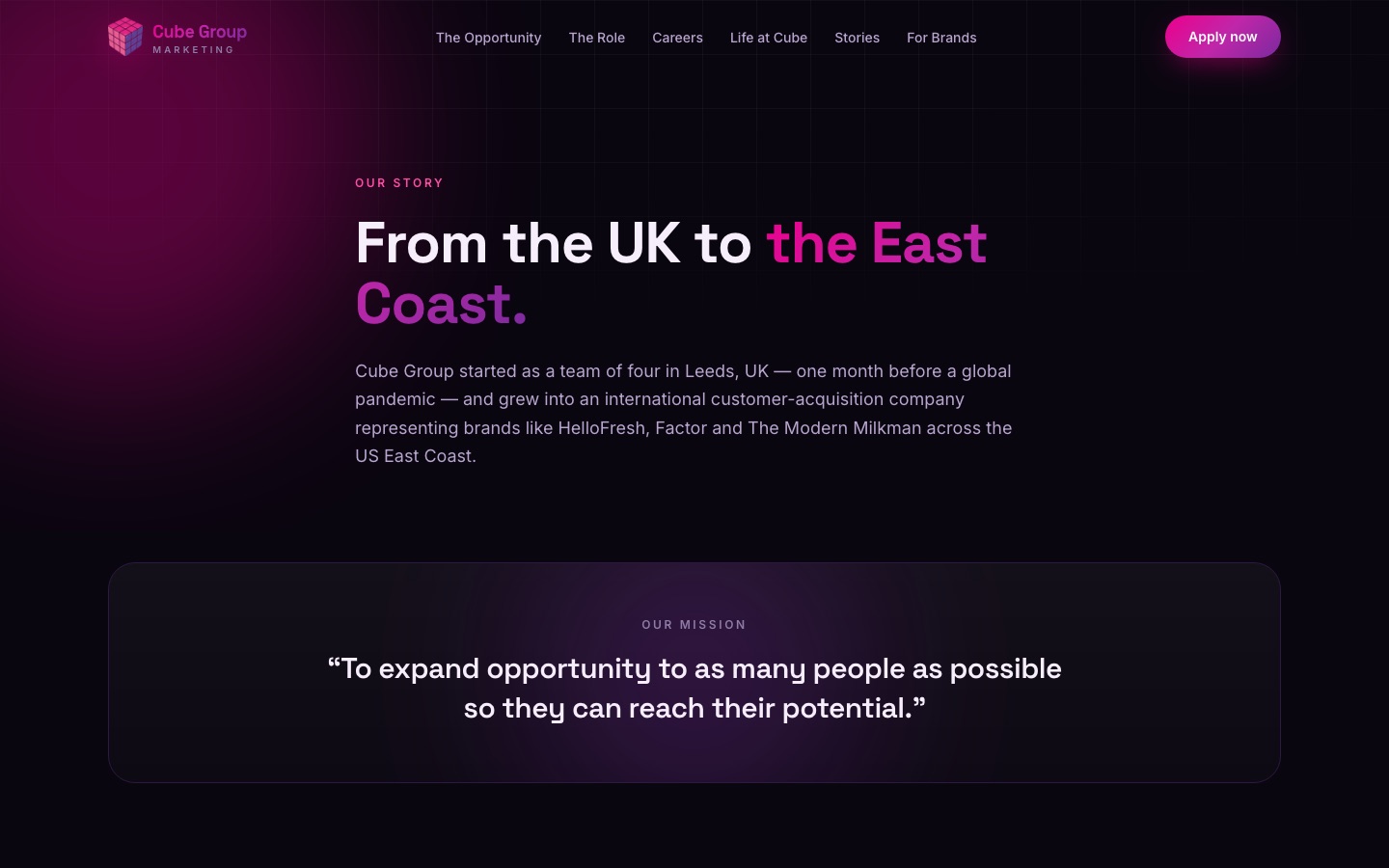
cubemarketing.us — built to be Googled

Candidates research before they apply. The site is built recruit-first: it answers "is this legit?", shows real people and real reviews, and funnels every visitor into CGRecruit in two clicks.

www.cubemarketing.us
Careers · For Brands · Our Story · Stories

Your potential.
Our mission.

Apply now →
★★★★★ Google reviews 📸 Live IG feed
CareersFor BrandsStories
or tap any pulsing dot

🎯 Recruit-first architecture

What: home, careers + two city pages, our-story, for-brands, and a Stories blog — all written for the applicant researching us. Why: the best candidates Google before they apply; the site is the first interview.

⚡ Apply flow into CGRecruit

What: city chooser → CGRecruit referral intake; optional embeddable apply widget; mobile floating Apply bar. Why: zero friction between "interested" and "in the pipeline."

⭐ Live proof

What: live Google reviews, live Instagram feed, real client logos, a personal note from the team. Why: authenticity beats stock photos — everything on the page is verifiably real.

🔍 Serious SEO plumbing

What: structured data (Organization, FAQ, JobPosting, BlogPosting), sitemap index, robots, OG images, branded-search content. Why: owning the search results page for our own name is recruiting defense.

💼 Office Profit Calculator

What: a password-gated planning tool — real cost base, the current fee grid, adjustable sales mix and headcount, with head-office rates behind a second password. Why: "what does an office actually make" answered with live numbers, safe to hand a partner.

⚖️ Legal & security done properly

What: privacy policy with CTDPA + recruitment-data coverage, terms, EEO statements on careers pages, and hardened security headers site-wide. Why: we ask for applicants' data — we treat it like it matters.

🧩 Same platform, more brands

What: the architecture is reused for branch-office sites (their own brand, same engine, same CGRecruit intake). Why: a new office can have a full web presence in days.

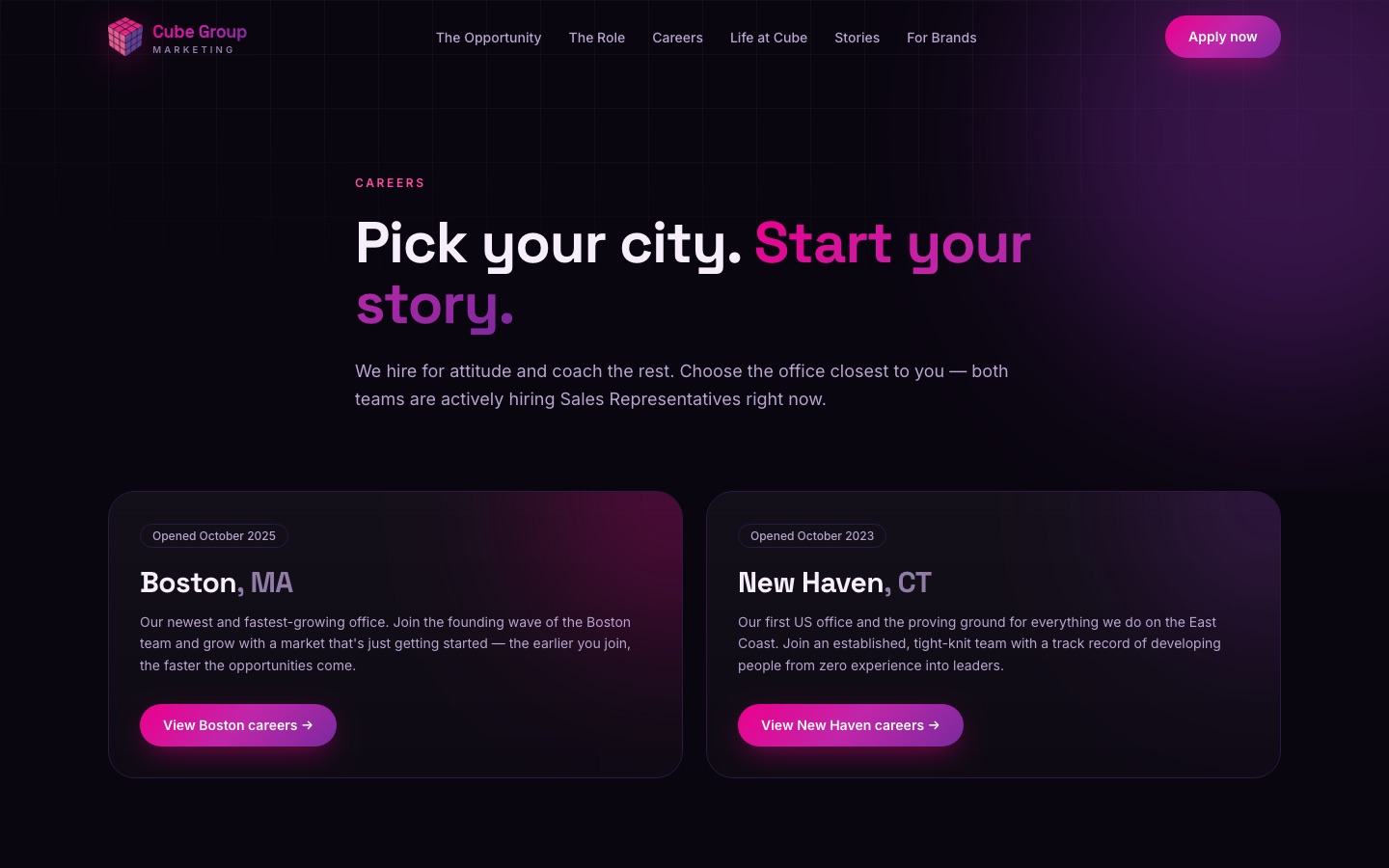
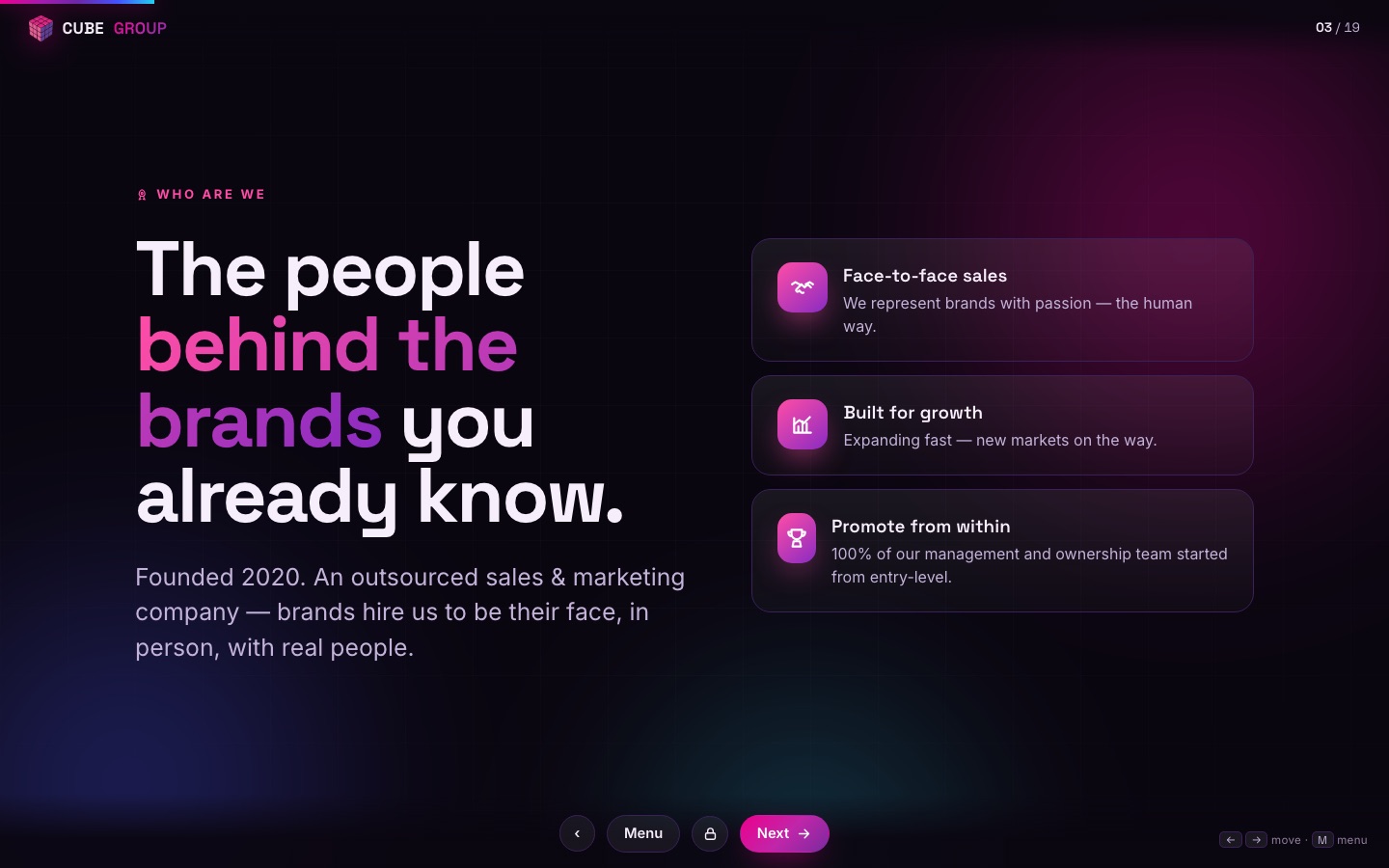
📸 Live screenshots · real pages from www.cubemarketing.us
⤢Cube Group Marketing homepage
Homepage hero
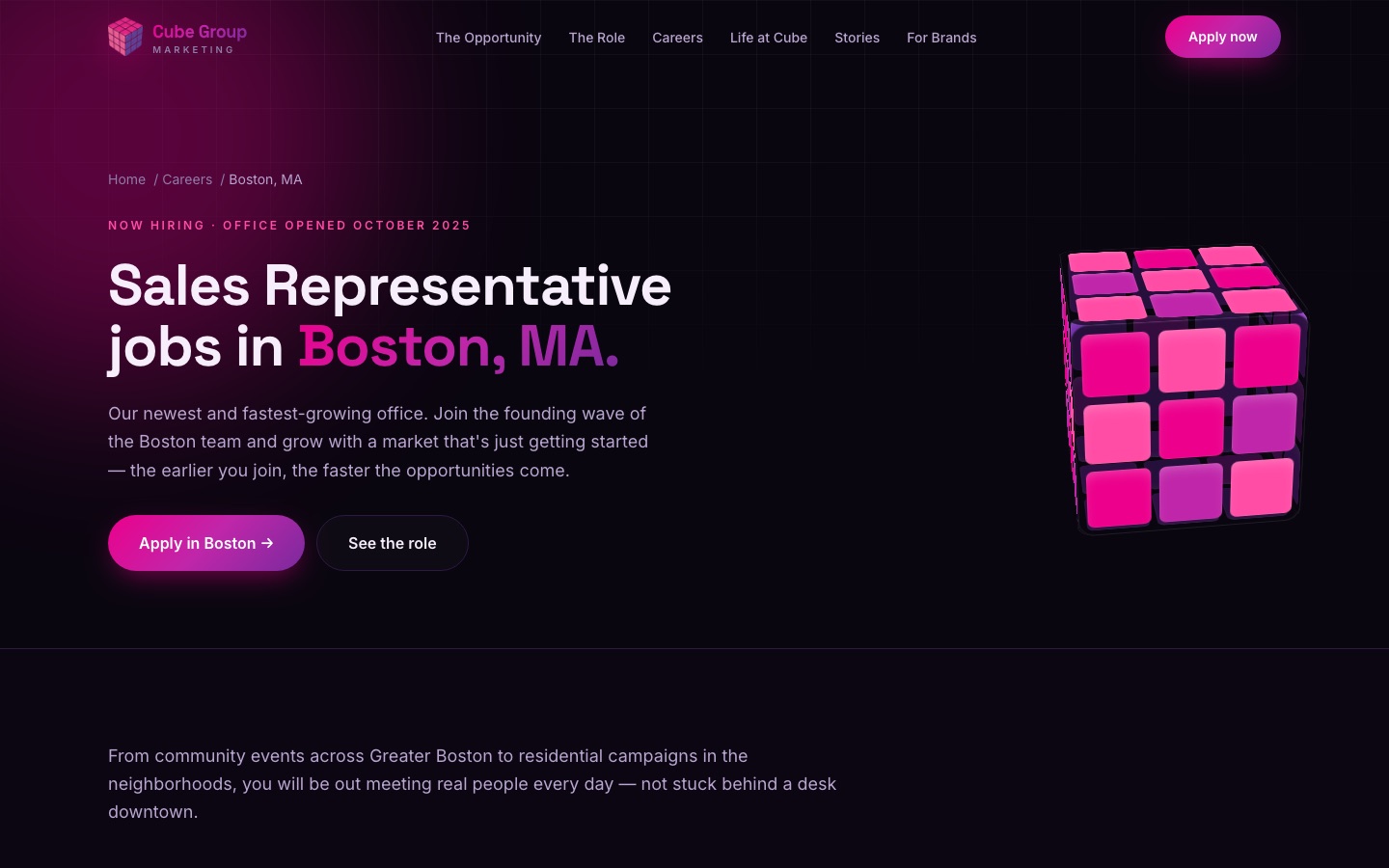
⤢Boston careers page
City careers page
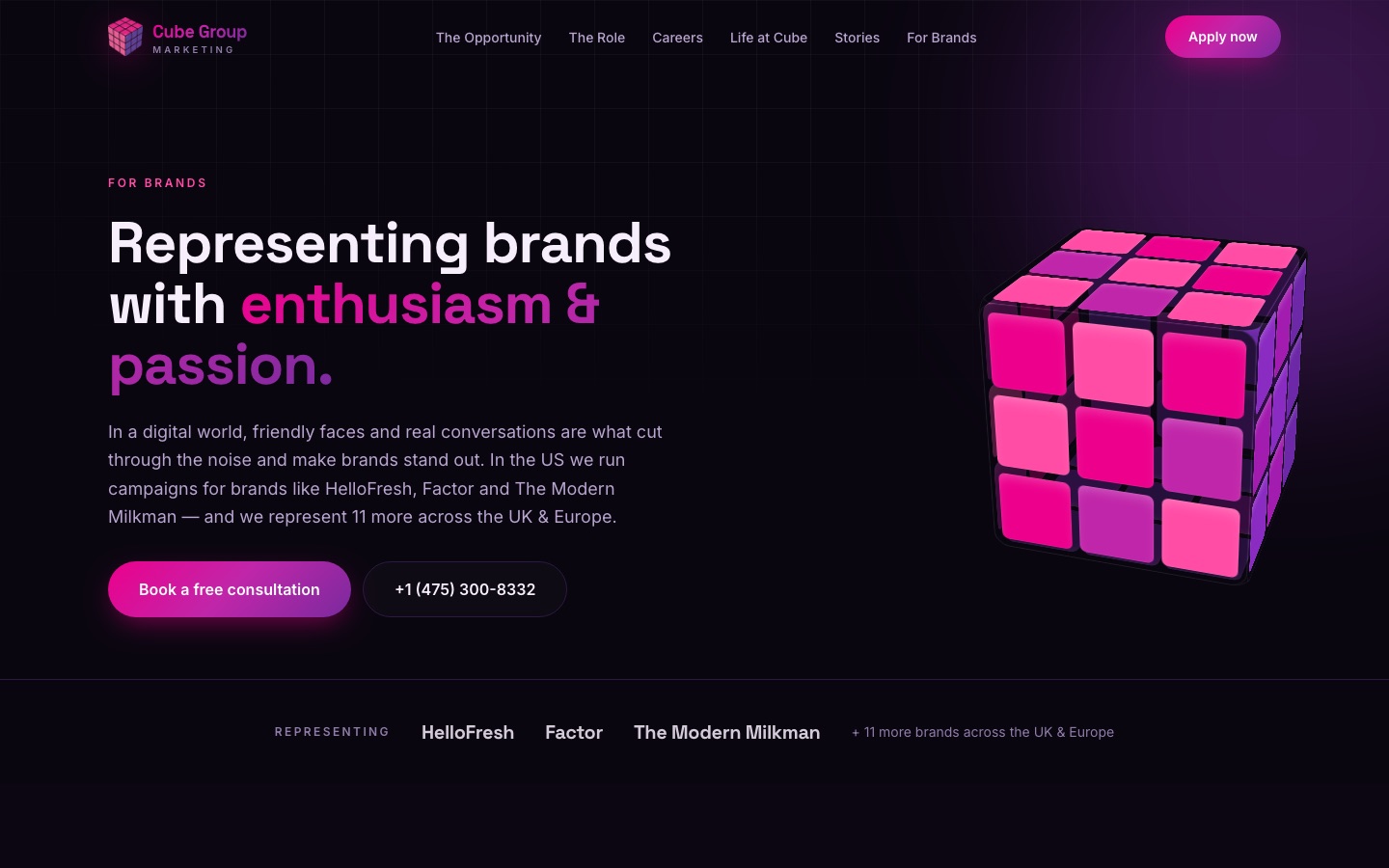
⤢For Brands page
For Brands
⤢Our Story page
Our Story
⤢Careers page
Careers hub
Astro 7 · Tailwind 4Static + edge-fastContent in one fileRailway

05 · The stage

CGPresentation — decks that live in the browser

The recruitment presentation and the full product-training deck, rebuilt from a 552 MB PowerPoint into a fast, gated, editable web platform. Present from any laptop, edit from any browser, never email a .pptx again.

presentation.cubemarketing.us

Getting Paid

Model your first 7 weeks →

1st delivery $352nd $324th $10Max/sale $137
🗒 Presenter notes · ⏱ 12:40
✎ Edit mode
or tap any pulsing dot

🎤 Recruitment deck

What: the interview-day presentation as a public web deck, with the presenter script password-gated. Why: every presenter runs the same polished deck from any device — no version chaos.

🎓 Product training deck

What: 54 slides across 5 parts with pop quizzes, galleries, video, the Rehash script and the first-8-days roadmap — fully password-gated for the team. Why: training day is standardized across offices and always up to date.

🧮 Live pay calculator in-deck

What: the exact CG1 pay math embedded as an interactive slide. Why: "how much will I make" answered with sliders, not promises.

🖥 Dual-screen presenting

What: true fullscreen present mode plus a pop-out speaker view with notes and timer. Why: professional delivery with zero setup.

✨ PowerPoint-grade delivery

What: click-to-reveal builds, a speaker view that follows the build point by point, video slides, and a lite mode for older machines. Why: the web deck now beats the .pptx it replaced at its own game — and the fee cards on it are always the current rates.

✏️ In-browser editor

What: admin-gated live editing — text with size/bold/italic styling, reorder, add/hide slides — stored as per-deck overlays on a persistent volume; per-office deck variants. Why: the deck evolves as fast as the pitch does, without a developer in the loop.

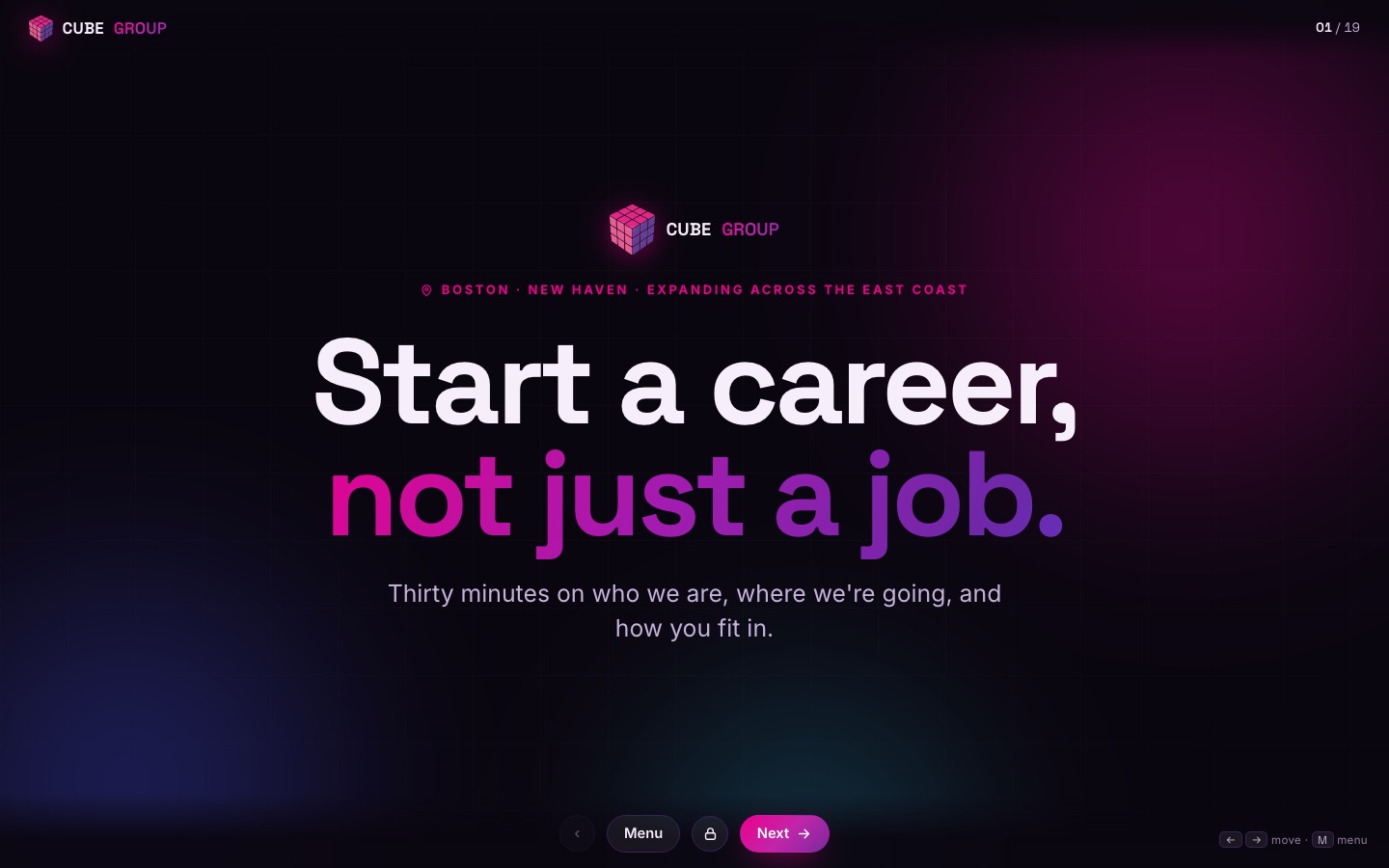
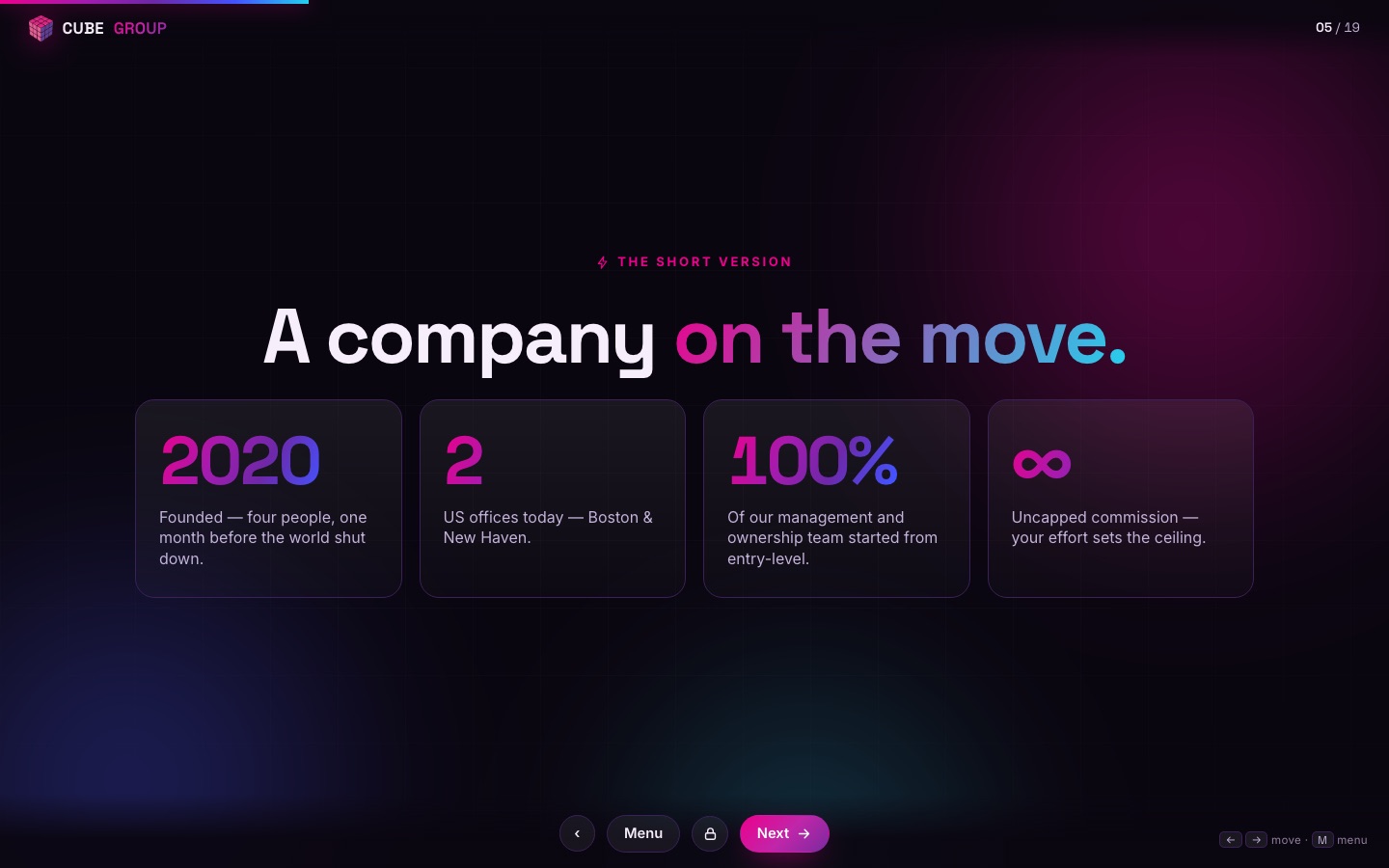
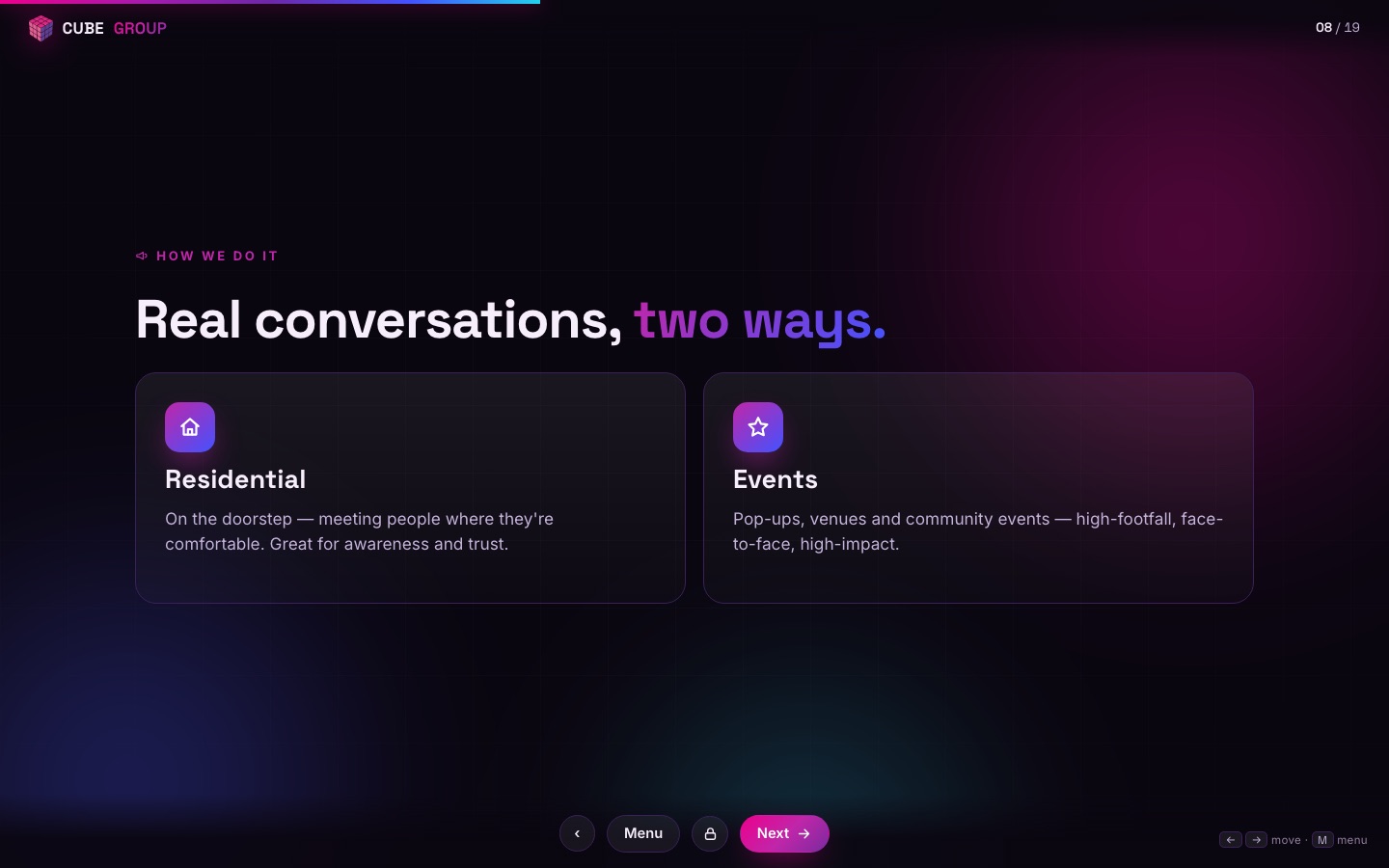
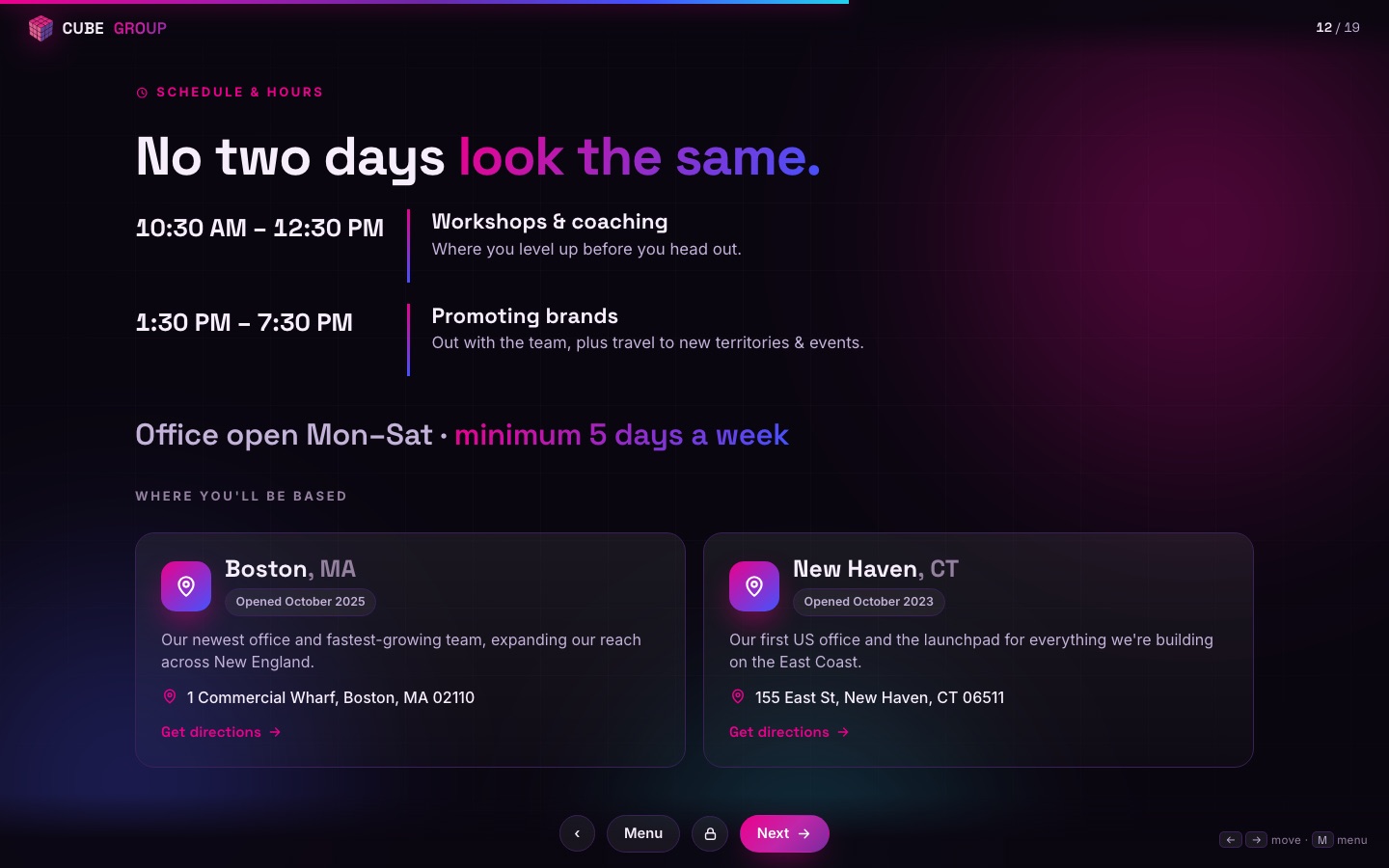
📸 Live screenshots · real slides from presentation.cubemarketing.us
⤢Recruitment deck title slide
Opening slide
⤢Company stats slide
Company at a glance
⤢Recruitment deck slide 3
The opportunity
⤢Recruitment deck slide 8
The role
⤢Recruitment deck slide 12
Progression
NodeOffline-capableCookie-gated decksRailway volume storage

The proof

One recruit, end to end

Here's what the stack does for one person — automatically.

  1. Friday 6:02 PMMaya Googles us, reads the Stories post and the reviews on cubemarketing.us, taps Apply.
  2. 6:04 PMShe lands in the Boston pipeline on CGRecruit. Two minutes later her phone rings — it's Olivia.
  3. 6:11 PMScreened, scored 87, interview booked for Tuesday 2 PM — all in one call. Confirmation text sent.
  4. TuesdayShe interviews — the recruitment deck on CGPresentation. CGRecruit handled everything from her application to confirming she's coming in.
  5. Day 1Marked as attended in CG1 and set up with her profile; orientation runs on the product-training deck. Start Here shows her leader's name, the 8-day journey, exactly how pay works.
  6. Day 3Her leader grades her field day from the Home queue; the pay calculator shows her what yesterday's sale earns.
  7. Day 5Her sector goes out on ZIPs cleared in CGTerritory — permits green, do-not-knocks pinned. Every door she knocks pins itself onto the map within the hour.
  8. Day 8She rings her first bell — 3 sales. The office sees it on the leaderboard; her badge unlocks.
  9. Week 6Her funnel ratios in Field KPIs show a strong pitch-to-close; her leader coaches doors-to-spoken using door-by-door lap data and her recorded doorstep conversations in CubeVoiceCoach.
  10. Month 4Promoted to leader in CG1 — the client's platform updates itself, her team is created, and her first trainee's grading queue starts filling.

Under the hood

How it's built

🚢 We own the deployment

Every product ships from its own repo to our own infrastructure — push to deploy in minutes, verified by version endpoints. No agencies, no vendors between an idea and production.

🧬 One brand system

The plum-and-magenta system — Space Grotesk display, Inter text, JetBrains Mono for data — is mirrored across every app, email template and deck from a single token set.

🤖 AI where it compounds

Voice & text screening, an inbound front desk, no-show revival, doorstep-conversation coaching, permit research, territory parsing, performance narratives, planning coaches. Rule everywhere else: numbers computed in code — AI never invents a stat.

🔐 Role-aware by default

Trainee / leader / admin scoping runs through every backend — people see their team, admins see their office, and office data never crosses over.

🧪 Safe to demo, safe to preview

Trial logins see everything and can change nothing — every write is refused platform-wide — and super admins can preview CG1 as any trainee or leader, read-only. Walking someone through the real stack never risks real data.

FrontendReactReact Native · ExpoAstroTailwindVanilla JS
BackendFastAPI · PythonNode · ExpressMongoDBSchedulers & webhooks
AIClaudeElevenLabs voice agentsDeterministic-numbers rule
InfraRailwayGitHub → push-to-deployTwilioCustom domains on cubemarketing.us